
I’ll be honest — when I first heard about people making passive income selling digital planners, I rolled my eyes a little. Seemed like one of those things that sounds great in a YouTube thumbnail but doesn’t actually work for real people. Then I looked at the numbers. Then I talked to actual creators. Now I’m writing this article, so you can guess how my opinion shifted.
📦 Recommended Resource
Digital Planner 2026 — A finished planner you can open and study end to end before designing your own.
Digital planners are one of the most quietly profitable corners of the digital product world right now. No inventory. No shipping. No 3am warehouse panic. You design something once, list it, and it sells while you sleep — or at least, that’s the goal. Getting there takes actual work upfront. This guide covers the whole path: what makes a digital planner worth buying, how to design one without being a graphic design wizard, where to sell it, and how to make that first sale happen faster than you’d think.
Why Digital Planners Are Still a Legitimate Opportunity in 2026
The market hasn’t peaked — it’s still growing. According to data from Etsy’s 2025 trend reports and third-party seller analytics platforms, digital planner searches on Etsy alone increased by 34% year-over-year, with top sellers consistently generating $3,000–$15,000/month from a relatively small product catalog. The GoodNotes and Notability app communities on Reddit, Pinterest, and TikTok have ballooned, with millions of people actively hunting for planners they can use on their iPads.
What makes 2026 specifically interesting is the shift toward niche planners. Generic “2026 weekly planner” products are getting crushed by hyper-specific ones — ADHD-friendly planners, Notion-integrated planning templates, planners for Etsy sellers, meal-prep planners for macro counters. The more specific the audience, the less competition and the higher the conversion rate.
Who’s Actually Buying These?
Your buyers are primarily iPad-owning, app-using professionals and students who’ve already invested in GoodNotes 6, Notability, or similar apps. They’re comfortable spending $5–$20 on a well-designed planner because it saves them hours of creating their own. Many are repeat buyers — once someone finds a creator whose style they love, they come back for every new release.
What Makes a Digital Planner Actually Worth Buying
Before you open Canva or Procreate, you need to understand what separates the $200/month planners from the $5,000/month ones. It’s not just aesthetics, though that matters. It’s function.
Hyperlinks Are Non-Negotiable
A digital planner without working hyperlinks is just a PDF. Real digital planners have clickable tabs and navigation buttons that let users jump between sections instantly — monthly to weekly, goals page to habit tracker. This is the single feature that makes digital planners worth using over printing something out. If you’re designing in Canva, this means exporting correctly and setting up links. In Adobe Acrobat or InDesign, you set this up natively. Don’t skip this step.
The Layout Has to Work on a Tablet Screen
A 8.5×11″ layout that looks great in print often feels cramped and awkward on an iPad Pro. Most successful digital planner creators design at a letter size (8.5×11″) or A4 ratio, but they leave generous margins and use larger text than you’d use in print. Test everything in GoodNotes before you list it — seriously, just download the free version and check your own file.
Aesthetic Consistency Across Every Page
This sounds obvious but it’s where a lot of new creators fall apart. Your monthly view, weekly view, daily view, habit tracker, and goal-setting pages all need to feel like they came from the same design brain. Consistent fonts (two max), a locked color palette, and matching icon styles across every page. Buyers can feel when a planner was cobbled together from different templates.
Designing Your First Digital Planner: The Practical Path
You don’t need to be a professional designer. You do need patience and a willingness to iterate. Here’s how I’d approach it if I were starting from scratch today.
Choose Your Tool Wisely
Canva Pro is the most beginner-friendly option and genuinely capable for polished planners. The limitation is that you can’t add hyperlinks directly in Canva — you’ll export to PDF and add links in Adobe Acrobat (which has a free tier for basic link additions). For more control, Adobe InDesign is the industry standard and handles hyperlinks natively, but it has a steeper learning curve. Affinity Publisher 2 is a one-time purchase (~$70) and a real InDesign alternative that many creators swear by.
Procreate is great for creating custom elements — stickers, illustrated covers, hand-drawn dividers — but you’d still need to assemble the final planner in a PDF-capable tool.
📦 AI Prompt Collection for Etsy Sellers
550+ AI prompts designed for Etsy success
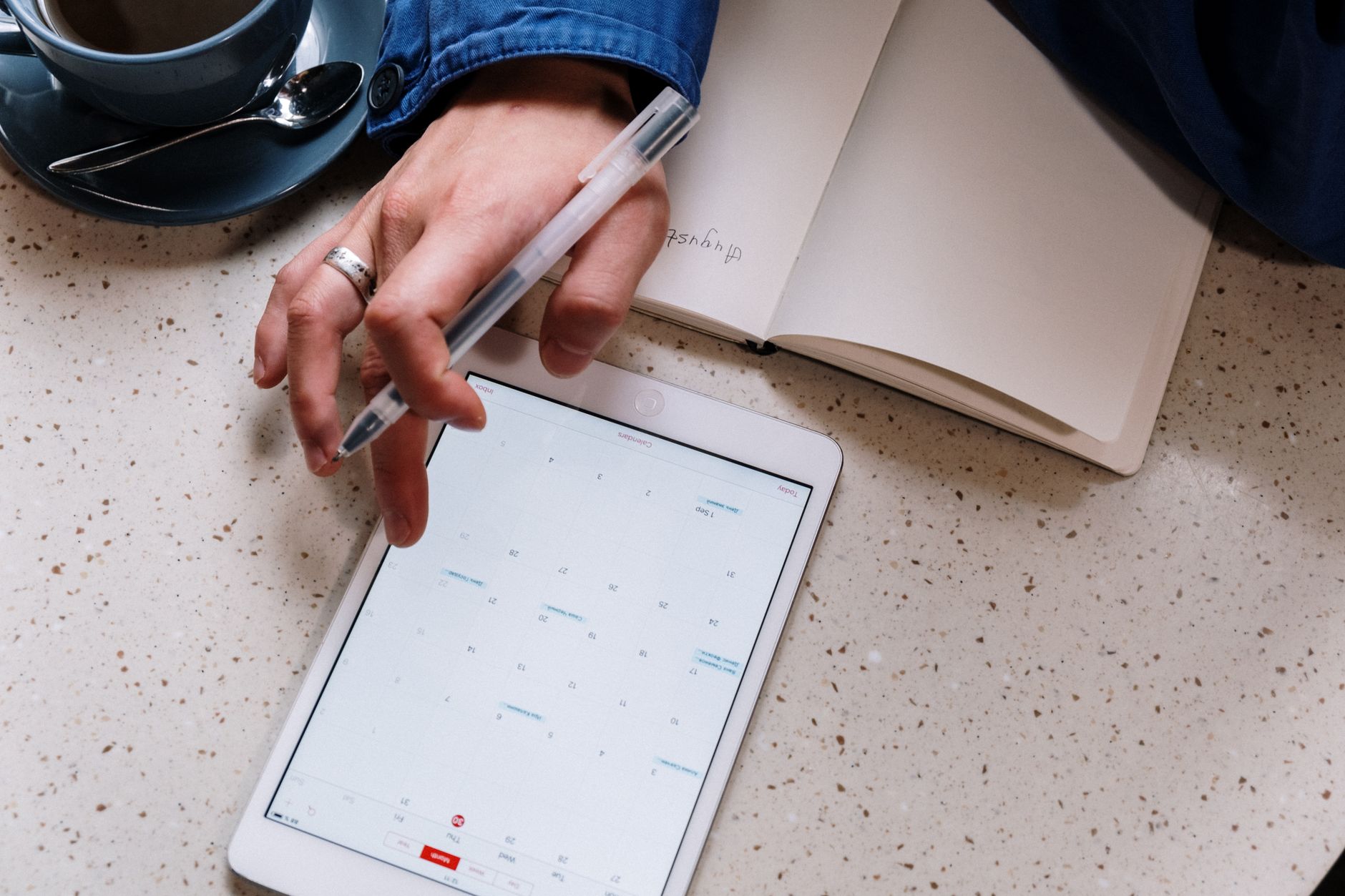
Start With One Planner, Not Ten
New creators almost always make the same mistake: they try to launch a massive bundle right away. The problem is that a bundle of mediocre pages beats a tight collection of great pages exactly zero times. Start with one focused planner — say, a weekly planner with a monthly overview and a habit tracker. Do it really well. Get feedback. Then expand.
The Pages You Actually Need
- Cover page with your branding and year
- Annual overview (all 12 months at a glance)
- Monthly spreads (12 pages minimum)
- Weekly spreads (52 pages, or at minimum one template page that repeats)
- Daily pages (optional but popular)
- Habit tracker
- Goal-setting pages (quarterly works well)
- Notes/lined pages
- Navigation index page with clickable tabs
That’s your core product. Everything else — meal planners, finance trackers, project pages — those become either add-ons or separate products you upsell later.
Pricing: Don’t Undersell Yourself (But Also, Know the Market)
This is where a lot of first-time creators get it wrong in both directions. I’ve seen beautiful, well-made planners priced at $3 because the creator didn’t think anyone would pay more. I’ve also seen mediocre planners priced at $35 that never sold a single copy.
The sweet spot for a quality standalone digital planner on Etsy in 2026 is $9–$18. Bundles (planner + sticker pack + bonus pages) can go $18–$35. If you’re selling through your own website and have an existing audience, you can push higher — some creators with loyal followings charge $45+ for annual planner bundles and sell them easily.
Don’t price below $7. It signals low quality more than it attracts bargain hunters, and you need to account for Etsy’s fees (currently 6.5% transaction fee plus listing and payment processing fees) eating into your margin.
Where to Sell: Platform Strategy That Actually Works
Etsy: Still the Fastest Path to First Sale
Etsy has built-in search traffic from buyers actively looking for digital products. For a brand new creator with zero audience, it’s almost certainly the fastest way to your first sale. The downside is competition — there are millions of listings — which is exactly why niche matters so much. “Digital planner” is hard. “Digital planner for freelance writers” or “ADHD weekly planner GoodNotes” is much more manageable to rank for.
Your Etsy listing needs:
- A title with your primary keyword near the front
- At least 7–10 mockup images showing the planner in use on an iPad
- A detailed description that answers “what’s included, what format, what apps work with this”
- All 13 tag slots filled with specific, relevant phrases
- A clear, friendly FAQ section addressing common questions before buyers have to ask
Your Own Website: The Long-Term Play
Etsy owns your customer relationship. They can change fees, suppress your listings, or shut down your shop for reasons you don’t fully control. Building a Shopify or WooCommerce store in parallel — even a simple one — means you’re growing an asset you actually own. Use email capture (offer a free planner page or sticker sheet in exchange for an email) and build that list from day one.
Gumroad and Payhip are solid lightweight alternatives if you don’t want to manage a full e-commerce site. Both let you sell digital downloads with minimal setup and reasonable fees.
Pinterest and TikTok: Your Free Traffic Engines
Pinterest is criminally underrated for digital planner traffic. Planner aesthetics do incredibly well there, and pins have a much longer lifespan than social posts. Create vertical graphics showing your planner pages styled beautifully, link directly to your Etsy listing or website, and pin consistently. It compounds over months.
TikTok videos showing the “planning process” — setting up a week, filling in a habit tracker, the satisfying tap of a hyperlink working — get consistent organic reach in the planner community. You don’t need to go viral. You need to show up regularly for the right audience.
Getting Your First Sale: The Real Talk
Your first sale will probably take 2–8 weeks on Etsy if you’ve done the listing right and your niche isn’t completely oversaturated. That’s not failure — that’s normal. Here’s how to speed it up without resorting to tricks that don’t work.
Run Etsy Ads (Temporarily)
A small Etsy ads budget — $1–$3/day for your first 30 days — can jump-start visibility while your listing is building organic ranking signals. Once you have reviews and sales history, organic search takes over and you can scale back ad spend. Think of it as renting visibility while you earn your organic position.
Get Reviews Legitimately
Ask friends, family, or small community members to purchase and honestly review your planner. Even 3–5 reviews dramatically improve conversion rate for new listings. Don’t fake reviews or do review swaps (against Etsy’s TOS and genuinely risky for your shop).
Price Your First Launch Slightly Below Your Target Price
Launch at $9 when your target is $12. Once you have 10+ reviews and proven conversion, raise the price. Buyers who purchased at the lower price aren’t affected, and you signal quality through the review count rather than price alone.
Scaling from Side Income to Real Passive Income
One product isn’t passive income — it’s a side project. True passive income in this space comes from a catalog that keeps selling across multiple products and platforms. Here’s what that growth path typically looks like:
Month 1–3: Launch and Validate
One hero product, listed on Etsy, promoted through Pinterest and one other channel. Goal: first 10 sales and first review.
Month 4–6: Expand the Catalog
Add 2–3 complementary products — a sticker pack that matches your planner’s aesthetic, a budget planner, a digital notebook. Cross-link everything. Bundle your bestsellers.
Month 7–12: Diversify Your Platform
Launch your own site or store. Build your email list. Consider a small digital subscription — monthly planner inserts, for example — which turns one-time buyers into recurring revenue.
Creators who stick with this for a full year consistently report passive income in the $500–$3,000/month range. The ones who make more — some making $10,000+/month — usually have both a catalog of 20+ products AND an engaged audience on at least one social platform.
Common Mistakes That Kill Momentum
- Launching without testing the hyperlinks. Nothing tanks reviews faster than broken navigation. Test every single link before you publish.
- Using low-resolution mockups. Your product images are your storefront. Invest in good mockup templates (Creative Market and Envato Elements both have excellent iPad mockups).
- Ignoring shop stats. Etsy and your own site both give you data. If people are clicking your listing but not buying, your price or images need work. If nobody’s clicking, your SEO needs work. Read the data.
- Copying what’s already popular without adding value. “Neutral aesthetic weekly planner” is a graveyard of identical products. What’s your actual angle?
- Giving up after 30 days. This is the biggest one. Digital product income builds slowly and then compounds. The creators making real money almost all say the same thing: they almost quit around month two.
The Bottom Line
Digital planners aren’t a get-rich-quick thing. But they’re one of the more genuinely accessible passive income models out there — low startup costs (you can start with free tools), no physical product risk, and a market that’s actively growing. The investment is your time upfront: learning the tools, designing well, setting up your listings properly, and showing up consistently in the early months.
If you design something people actually want to use, price it fairly, and put it where the right people can find it — the sales come. They really do. Start with one good planner, not ten mediocre ones. Pick a niche you actually understand. And don’t quit in month two.
Want More AI Automation Insights?
Custom chatbots, content engines, and workflow automation. Get weekly tips.
Subscribe Free View Services Browse AI Tools
Free newsletter • AI tools from $9 • Custom services from $49
📚 Related Articles
- Building a 6-Figure Digital Product Business: Your Complete 2026 Blueprint
- How to Sell Digital Stickers on Etsy: 000+ Monthly Guide
- Building a 6-Figure Digital Product Business: Complete Step-by-Step Guide for 2026
- Passive Income Digital Downloads: Zero to 000/Month Guide
Get the free AI Automation Starter Kit
Ready-to-use workflows and prompts I actually run in a live, 24/7 AI-automated business — no fluff, instant access.
🚀 Level Up Your AI Game
Get weekly AI tools, prompts & automation strategies — free, every week.
No spam. Unsubscribe anytime.